AutoFeed/Automotive web/Car dealer websites
Car dealer websites designed around your dealership
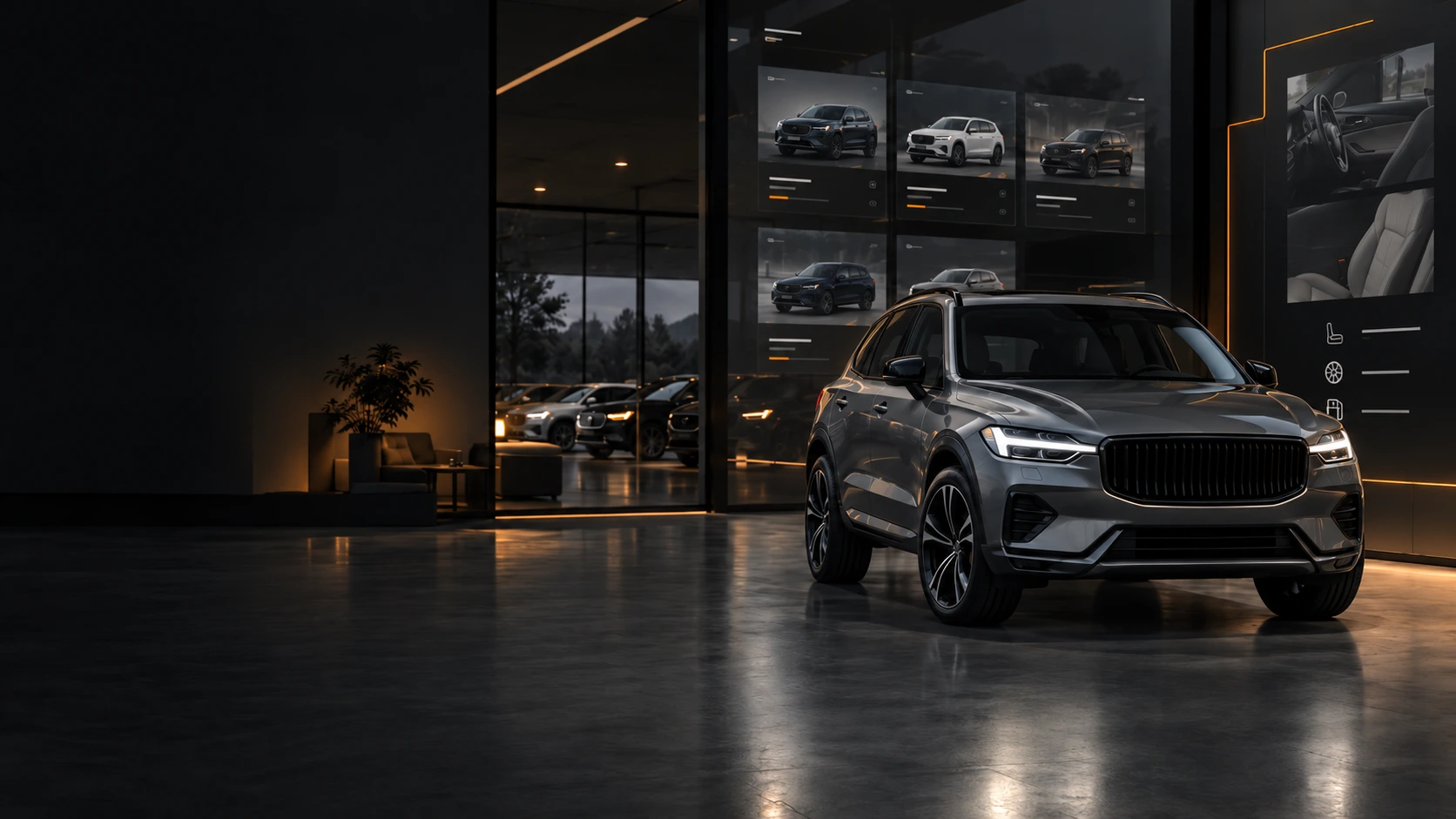
A distinctive website for your dealership, with a clear route from finding a vehicle to making an enquiry. Live stock can be built in from the start.
Your dealership deserves a website that customers can recognise and use.
AutoFeed designs the dealership website around its vehicles, identity and customers. Buyers can search current stock, examine each vehicle and enquire from the vehicle page. The presentation is shaped by the dealership rather than a generic theme.
Where the dealership already maintains a stock feed, the website can use it to keep listings current. A complete new build and an integration for an existing site have their own routes below.
01 Live stock
Your stock should already be there
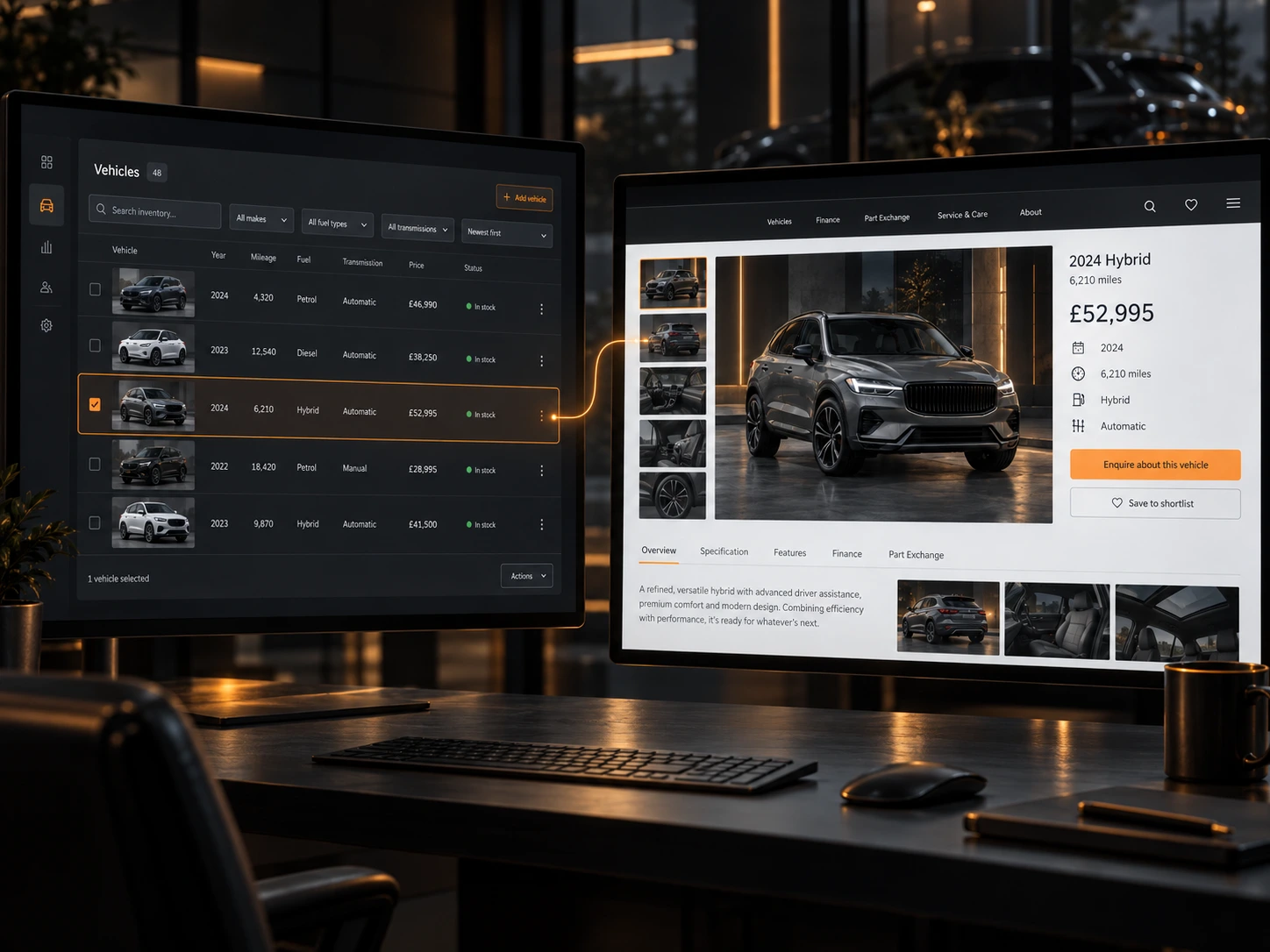
The dealership keeps maintaining stock where it already does: in DoneDeal Dealer Hub. AutoFeed connects that source to the dealer's own website, so the website reflects the current vehicles without a second round of data entry.
- 01Stock is maintained once, in Dealer Hub.
- 02AutoFeed connects that source to the dealer website.
- 03The website reflects the current vehicles automatically.
- 04Vehicle detail pages are generated from the stock record.
- 05Sold and removed vehicles disappear through the same workflow.
- 06Nothing is entered twice.
Related
If your dealership already manages stock through DoneDeal, see our Dealer Hub integration for automotive websites.
02 Buying experience
A proper automotive buying experience
Everything a buyer touches is the customer-facing layer on top of that live stock. Search, filtering and category pages read the same feed the dealership maintains, and every vehicle page is built from one vehicle record.
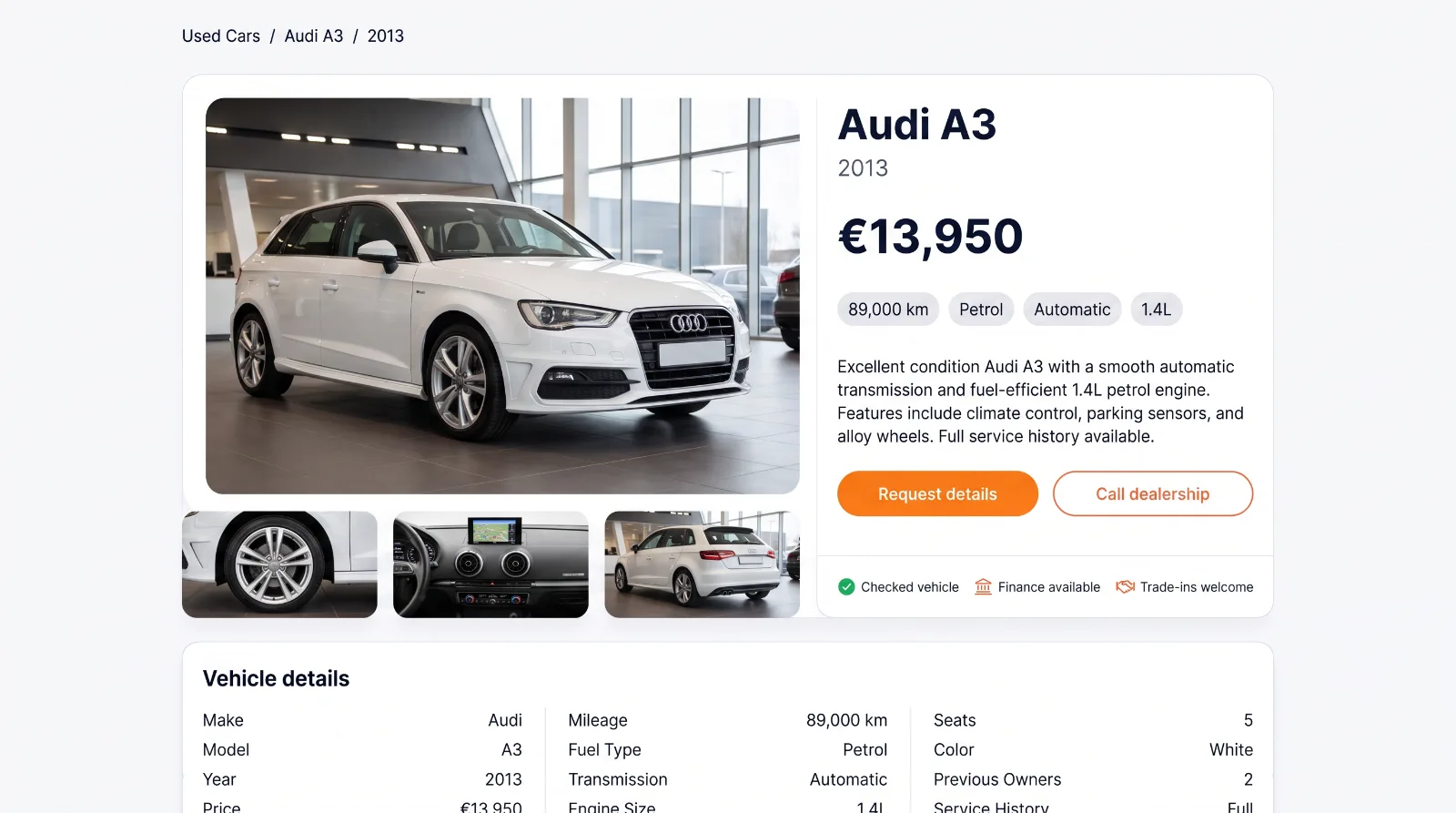
- Stock search
- Buyers search the live feed, not a static page of vehicles.
- Filtering
- Make, model, price, fuel, mileage and body, applied to current stock.
- Category pages
- Addressable routes for the vehicle types the dealership sells.
- Vehicle detail pages
- One page per vehicle, generated from the record behind it.
- Image galleries
- The dealership's own photographs, carried through from the source.
- Specifications and features
- Only the fields the feed returns. Absent values stay absent.
- Mobile presentation
- Most forecourt browsing happens on a phone; the layout is built for it first.
- Enquiry journeys
- The enquiry carries the vehicle it came from into the dealership's inbox.
Related
Browse the cars and motorbikes currently in the live demo.
03 Proof
Built around the dealership, not a template
A prestige forecourt, a family used-car dealership and a commercial vehicle yard do not sell the same way and should not look the same. The stock infrastructure underneath them can still be identical.
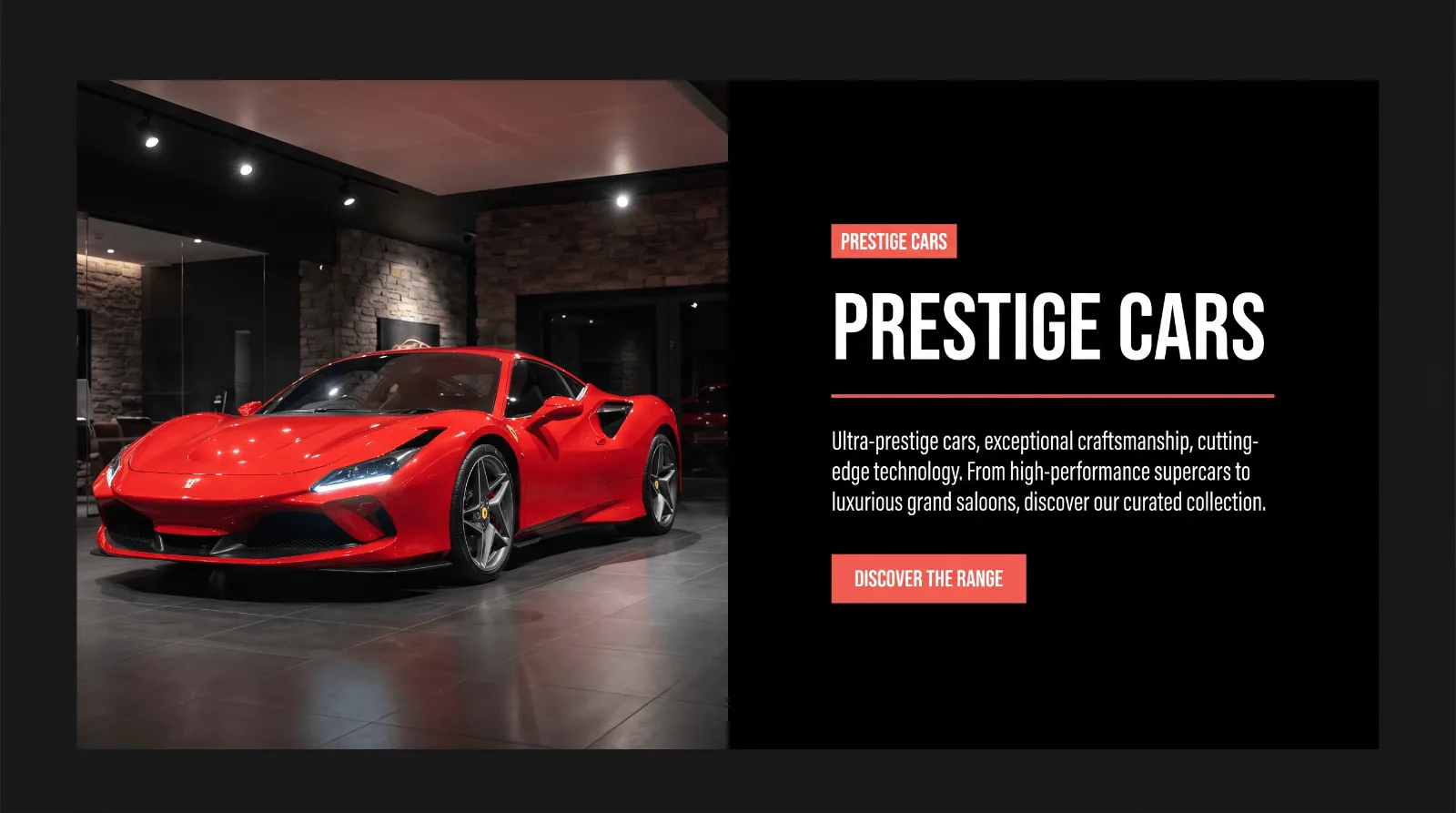
Franklin Motors
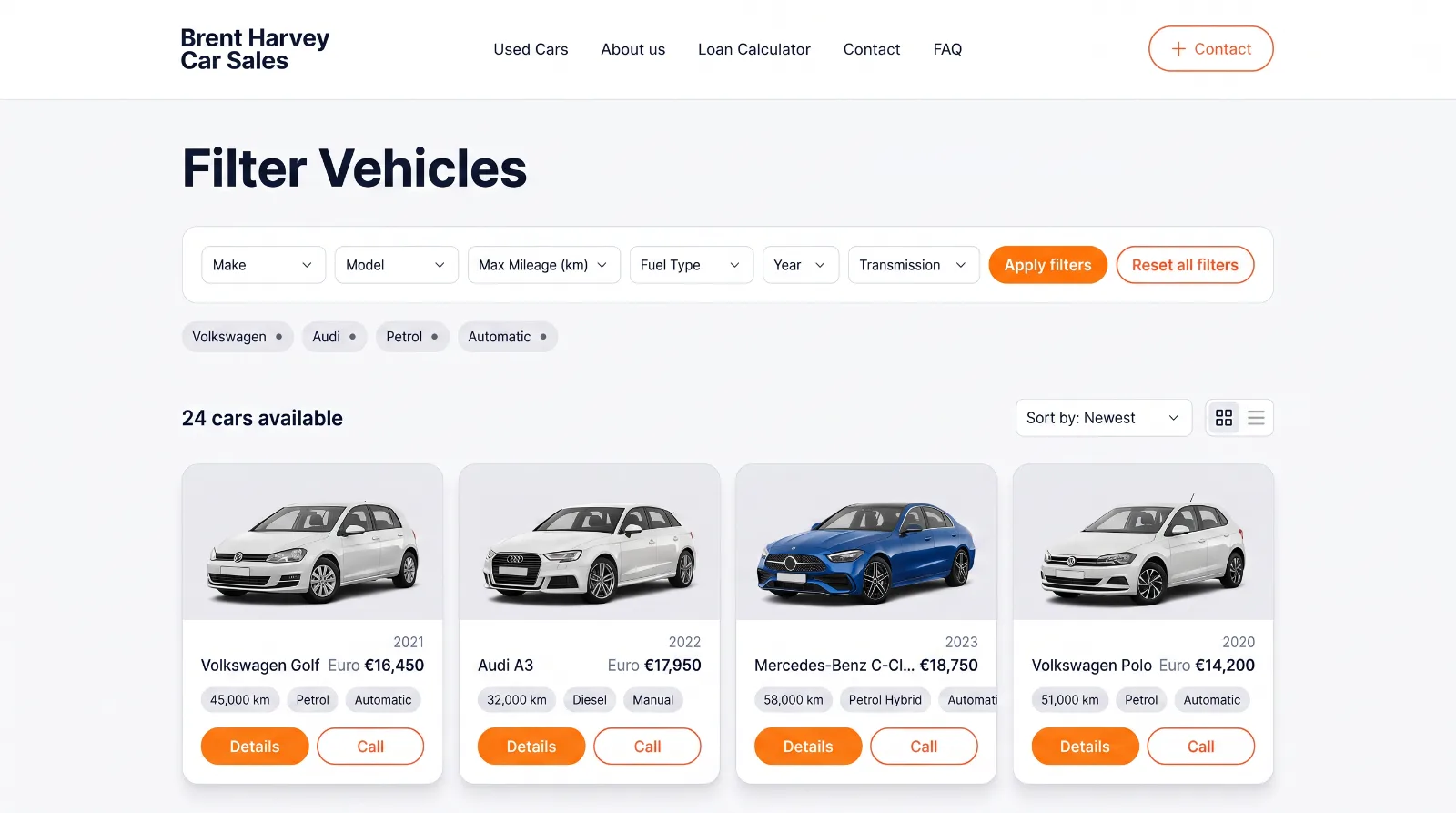
Brent Harvey Car Sales
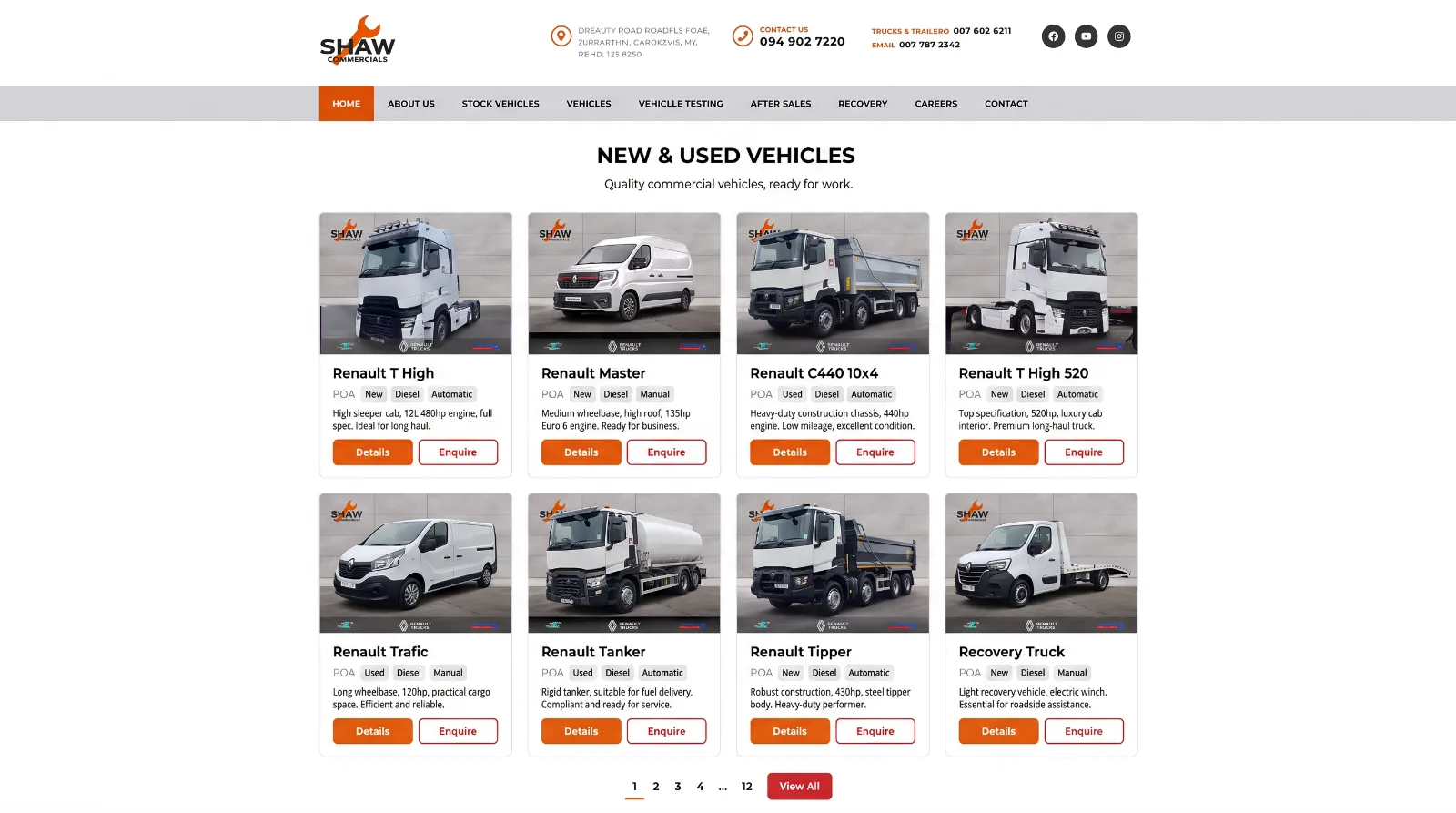
Shaw Commercials
Related
See how the same stock capability works across different sites in our Dealer Hub integration.
04 Build
WordPress or a custom automotive build
The integration is not tied to one platform. A dealership with an established WordPress site keeps it and gains live stock; a dealership starting again gets a build shaped around the feed from the first page.
WordPress
Stock, search and vehicle pages added to the site the dealership already runs, through the Dealer Hub plugin.
Custom automotive build
A modern stack built around the feed, where stock, routing and vehicle pages are part of the architecture.
Related
For an existing WordPress site, see the WordPress Dealer Hub plugin and integration.
05 Contact
Planning a new dealer website?
Tell us what stock and systems it needs to connect to.